Sharing a video link is easy. Sharing it safely is a little harder. Anyone who finds an open link can watch the file, forward it, or save it — and the sender may never know. That is why password-protected links exist: they add a simple second step between the link and the file, so only people who have both the link and the access code can open it.
In this guide, we explain how password-protected TeraBox links work, how to open one you received, how to share one of your own files more privately, and the mistakes that quietly undo the protection. And if you want to try a link right now, the player sits at the top of this page — just paste a shared link into the Play a TeraBox Video Now box and press play.
What Is a Password-Protected TeraBox Link?
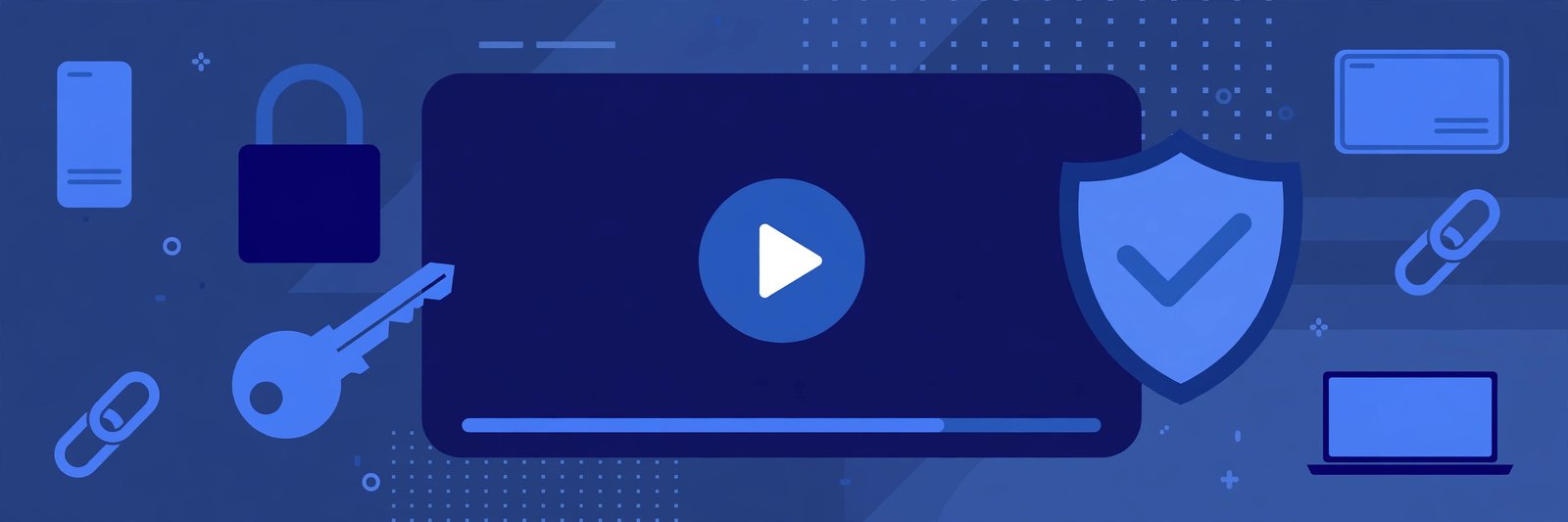
A password-protected link is a normal shared link with an extra lock on it. The file itself does not change, and the link looks the same as any other TeraBox link. The difference is what happens when someone opens it: instead of the video starting straight away, the viewer is asked for an access code first.
Think of it like a house key and a door code. The link is the address — it tells the viewer where the file is. The code is the entry check — it confirms the viewer is actually meant to have it. Someone who only has the link, but not the code, cannot get in.
This matters most for files you would not want strangers to see: family videos, work presentations, unreleased client work, or anything personal. For a public trailer or a meme clip, protection is overkill. For anything private, it is the cheapest safety upgrade you can make.
How Password Protection Keeps Shared Files Private
Protection works because it separates the two things a viewer needs. The link can travel through one channel — say, a group chat or an email — while the code travels through another, like a private message or a phone call. Even if the link leaks or gets forwarded to the wrong person, the file stays closed without the code.
That separation is the whole point. It does not make the file invisible, and it does not stop someone who has both pieces from sharing them onward. But it does stop the most common accident: a link copied into the wrong group, posted in a public comment, or left sitting in a chat history where anyone scrolling past can tap it.
A few honest limits are worth knowing:
- Protection is only as strong as the code. A code like "1234" or a birth year is easy to guess. Pick something that is not obvious.
- Anyone with link and code can still pass both on. Protection controls access, not redistribution. For truly sensitive files, share only with people you trust.
- The code is not stored in the link. If you lose the code, you cannot recover it from the link itself — you need to ask the sender again.
How to Open a Password-Protected Link You Received
If a friend or colleague sent you a protected link, opening it takes one extra step compared with a normal link. Here is the smoothest way to do it:
Step 1: Get the code from the sender
The code comes from the person who shared the file, not from the link and not from FilesZero. Check the same message thread first — senders often send the code separately, in a second message. If you cannot find it, ask the sender directly before trying random guesses.
Step 2: Paste the link into the player
Open the TeraBox player here on FilesZero, or use the player box at the top of this page, and paste the full link exactly as you received it. Do not trim characters from the end of the link, and avoid links that have been shortened or re-wrapped by a chat app, since that can break them.
Step 3: Enter the code when asked
When a protected link asks for its access code, type it exactly — codes are usually case-sensitive, so watch for capital letters and lookalike characters such as "0" and "O". If the code fails twice, stop and double-check it with the sender instead of guessing repeatedly; repeated wrong attempts can lock you out temporarily.
Step 4: Play or download as normal
Once the code is accepted, the file behaves like any other shared video. You can stream it in the player, in qualities up to 1080p depending on the source file, or use the TeraBox downloader to save a copy for offline viewing. Guests can play up to 5 videos a day on FilesZero, and a free account raises that limit.
How to Share Your Own Files More Privately
You do not need to be technical to share more safely. A few habits make a real difference:
- Send the link and the code separately. Put the link in one message and the code in another, or use a different app for each. That way a single forwarded screenshot rarely hands over both.
- Use a fresh code for each sensitive file. Reusing one code everywhere means one leak opens everything you ever shared with it.
- Share with individuals, not public groups. A code sent into a 500-member group is barely a secret. Send it directly to the people who need the file.
- Change the code if it leaks. If you suspect a code got out, update it or re-share the file with a new one, and tell the intended viewers.
- Check mirror domains before you paste. Shared links can come from terabox.com and mirrors such as 1024terabox.com, mirrobox.com, nephobox.com, freeterabox.com, 1024tera.com, momerybox.com, teraboxapp.com, tibox.com and teraboxlink.com. If a link looks different from these familiar domains, verify it with the sender before opening it.
Common Problems With Protected Links
The code is not working
First, check for typos and case. Then confirm you are using the code for this file — senders who share several files sometimes mix codes up. If it still fails, ask the sender to confirm the code or re-share the file.
The link opens but the video will not play
This is usually not a password problem. The file may have been moved, deleted, or had its sharing turned off by the owner. It can also be a playback issue — see our guide to videos that will not play, or try the link again on a stable connection.
You never received a code at all
Some senders forget the second message, and some links are shared without protection in the first place. If no code was ever mentioned, try opening the link normally — it may simply be an open link.
You shared a link publicly by accident
Act fast: change the code or turn sharing off and re-share privately. A public link with a leaked code is effectively an open link, so treat it that way until you have fixed it.
Frequently Asked Questions
Do I need a TeraBox account to open a password-protected link?
No. You need the link and the code the sender set. You can paste the link into the free player here on FilesZero and watch it in your browser without installing the TeraBox app.
Can FilesZero open a protected link without the code?
No, and any site that claims it can should not be trusted. The code is part of the protection itself — without it, the file stays closed, which is exactly how it should work.
What should I do if I forgot the code to my own shared file?
Check your own messages first, since you may have sent it to the recipient already. Otherwise, update the sharing settings for the file or re-share it with a new code you record somewhere safe.
Is a password-protected link enough for very sensitive files?
It is a good first layer, but not a complete security system. For highly sensitive material, combine it with sharing only to trusted individuals, and consider whether the file needs to be shared as a link at all.
Can I play protected links from mirror domains like 1024terabox.com?
Yes. The player supports links from terabox.com and its mirrors, including 1024terabox.com, mirrobox.com, nephobox.com and the other terabox.* domains. The code step works the same whichever mirror the link came from.
Final Thoughts
Password-protected links are a small habit with an outsized payoff. One extra code turns a link that anyone could open into a link that only your intended viewers can use. Keep the code separate from the link, make it hard to guess, and never share either half in public — and your shared videos stay yours to control. Got a protected link to try? Paste it into the player at the top of this page and see for yourself.