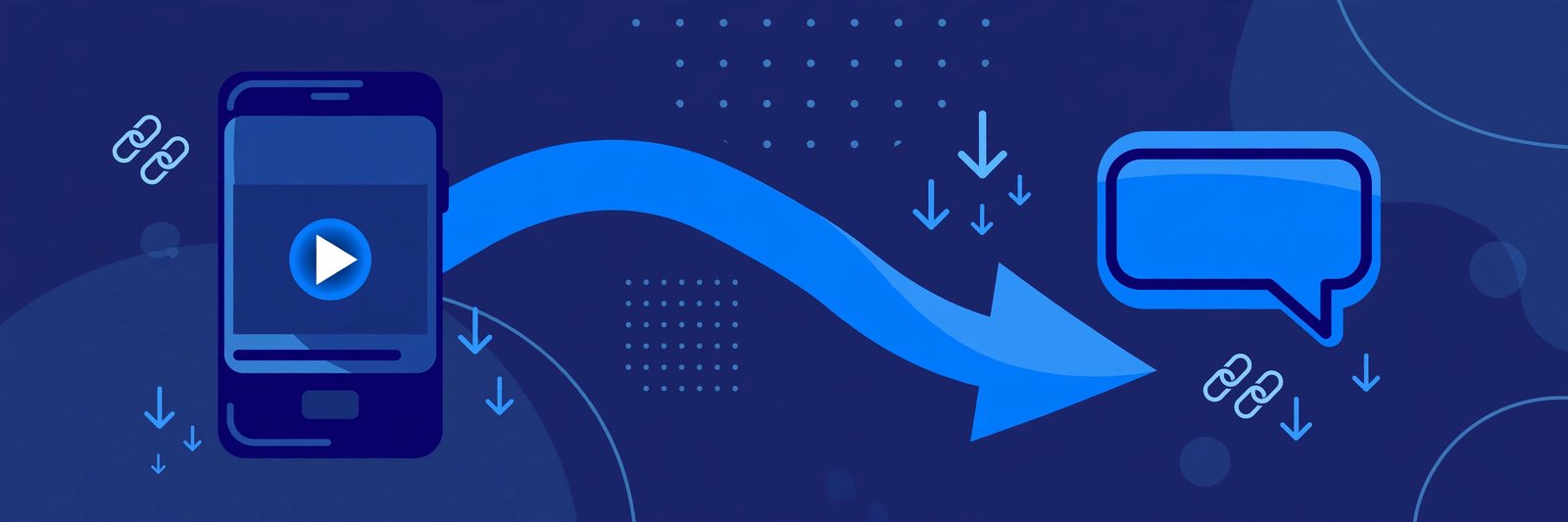
WhatsApp is where most shared videos actually travel. A friend sends a link in a group, someone forwards it, and within minutes the whole family is trying to watch the same clip. The catch is that a raw TeraBox link does not play nicely inside WhatsApp: the chat app cannot stream it directly, and the receiver may not have the TeraBox app installed. The good news is that sharing a TeraBox video on WhatsApp is easy once you know the right route — and the receiver does not need to install anything at all.
In this guide, you will learn how to share a TeraBox video on WhatsApp step by step, and what to do when a shared link refuses to open. The player sits at the top of this page, so you can test any link yourself right away: paste it in, press play, and watch it stream in your browser.
Why Sharing a TeraBox Link on WhatsApp Needs a Little Care
A TeraBox link is a cloud storage link, not a video file. When you paste it into WhatsApp, the chat app shows it as a plain link with a preview card, not as a playable video. That is normal: the receiver taps the link, and their phone opens a browser page where the video can stream or download.
Two things commonly go wrong. First, the receiver may land on a page that pushes them to install the TeraBox app before they can watch anything, which many people simply will not do. Second, the link may be a mirror domain — such as 1024terabox.com, mirrobox.com, or nephobox.com — that behaves differently from a standard terabox.com link. Both problems disappear when you send the link through a web player that handles every mirror domain, like the FilesZero TeraBox player.
How to Share a TeraBox Video on WhatsApp: Step by Step
Step 1: Copy the TeraBox link
Open the video in your TeraBox account or ask the sender for the share link. Long-press the link and tap Copy. A valid link looks like a terabox.com address, or one of its mirror domains such as 1024terabox.com, freeterabox.com, 1024tera.com, momerybox.com, teraboxapp.com, tibox.com, or teraboxlink.com. If the link has an extraction code or password, copy that too — the receiver will need it.
Step 2: Test the link in the web player first
Before you forward a link to a group, test it yourself. Paste it into the player at the top of this page and press play. If the video streams there, the link is healthy and your contacts will be able to watch it the same way.
Step 3: Paste the link into WhatsApp
Open the chat or group, long-press in the message box, and paste the link. Wait a second for WhatsApp to generate its link preview, then add a short note above it — for example, "Video link — tap to watch, no app needed if you open it in the browser player."
Step 4: Tell the receiver how to watch without the app
Most people assume they must install something. Tell them clearly: tap the link, and if the page asks for the app, paste the link into a browser player like the FilesZero TeraBox player instead. FilesZero is a free online TeraBox player and downloader: guests can play up to 5 videos a day, and a free account raises that limit. Playback quality goes up to 1080p depending on the source file.
Step 5: If they want to keep the video, point them to the downloader
Some receivers want to save the clip rather than stream it. The FilesZero TeraBox downloader lets them paste the same link and download the video to their phone, where it can be saved to the gallery and re-shared later.
Sharing to a WhatsApp Group vs a Single Chat
Group sharing works the same way, with two extra considerations. Keep the message short: one link, one line of context, and nothing else — long messages bury the link. And remember that anyone in the group can forward your link onward, so only share videos you are comfortable being passed along. If the video is private, send it in a one-to-one chat instead.
Common Problems When Sharing TeraBox Videos on WhatsApp
- The link preview shows nothing. WhatsApp sometimes fails to fetch a preview for cloud links. The link still works — the receiver just needs to tap the plain URL text.
- The receiver sees an "install the app" wall. This is the official TeraBox page pushing its app. The fix is to open the link through a browser player instead, which streams the same video without an install.
- The video buffers or stops halfway. This is usually the connection, not the link. Ask the receiver to switch to Wi-Fi, lower the quality if the player offers a choice, or try again in a few minutes.
- The link has expired or the file was removed. If the owner deleted the file or the share expired, no player can bring it back. Ask the original sender for a fresh link.
- The link asks for a password. Some shared links carry an extraction code. The sender must share that code along with the link, otherwise the video cannot be opened.
Frequently Asked Questions
Can I watch a TeraBox video shared on WhatsApp without installing the app?
Yes. Copy the link from the WhatsApp chat, open it in your browser, and paste it into a web player like the FilesZero TeraBox player at the top of this page. The video streams in the browser with no app installation required.
Why does the TeraBox link in WhatsApp not play directly in the chat?
WhatsApp cannot stream cloud storage links inside the chat window. It treats them as ordinary web links, so tapping one opens a browser page. From there, a browser player handles the actual playback.
Do mirror domains like 1024terabox.com work when shared on WhatsApp?
Yes. Mirror domains are alternative addresses for the same TeraBox files, and a good web player supports them all — including terabox.com, 1024terabox.com, mirrobox.com, nephobox.com, freeterabox.com, 1024tera.com, momerybox.com, teraboxapp.com, tibox.com, and teraboxlink.com. If a link looks unusual, test it in the player before sharing.
Can I download a TeraBox video someone sent me on WhatsApp?
Yes. Copy the link from the chat and paste it into the FilesZero TeraBox downloader. The video downloads to your device, where you can keep it or share it again.
Is it safe to open TeraBox links received on WhatsApp?
Links from people you know are normally fine, but treat links from strangers with the same caution as any unknown link. Open them in a browser player rather than installing an unknown app, and never enter personal account details on an unfamiliar page.
Final Thoughts
Sharing a TeraBox video on WhatsApp comes down to one simple habit: test the link, add a one-line note, and tell the receiver they can watch it in a browser player without installing anything. Do that, and the link you send will actually get watched instead of ignored.