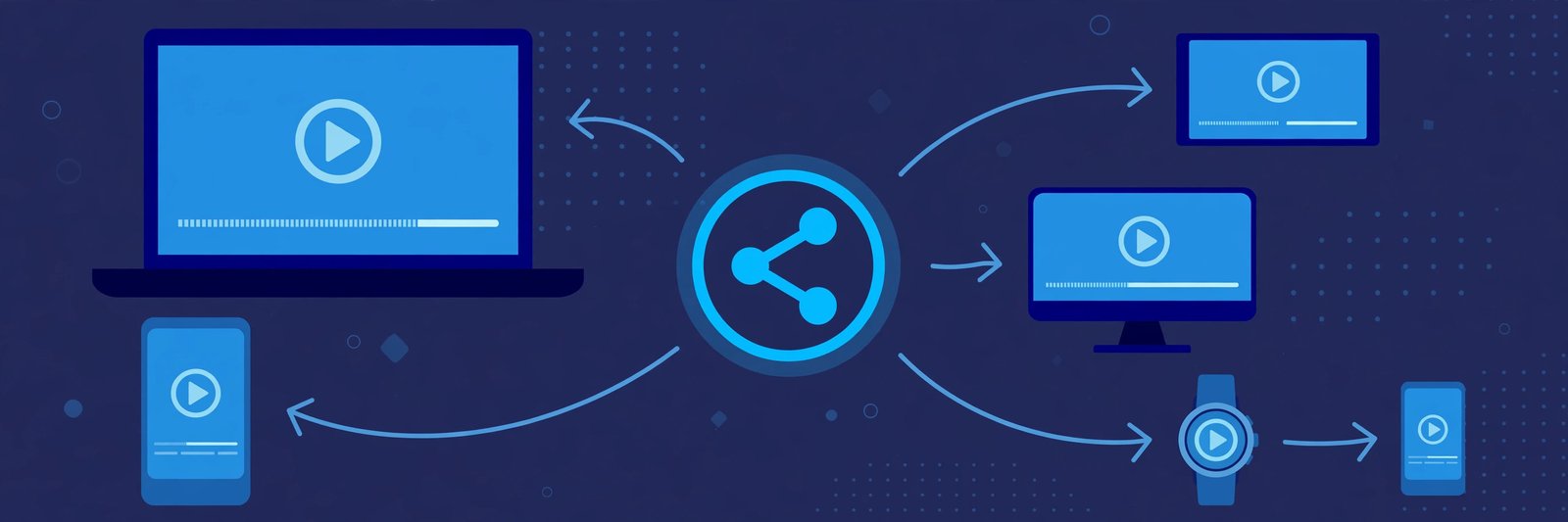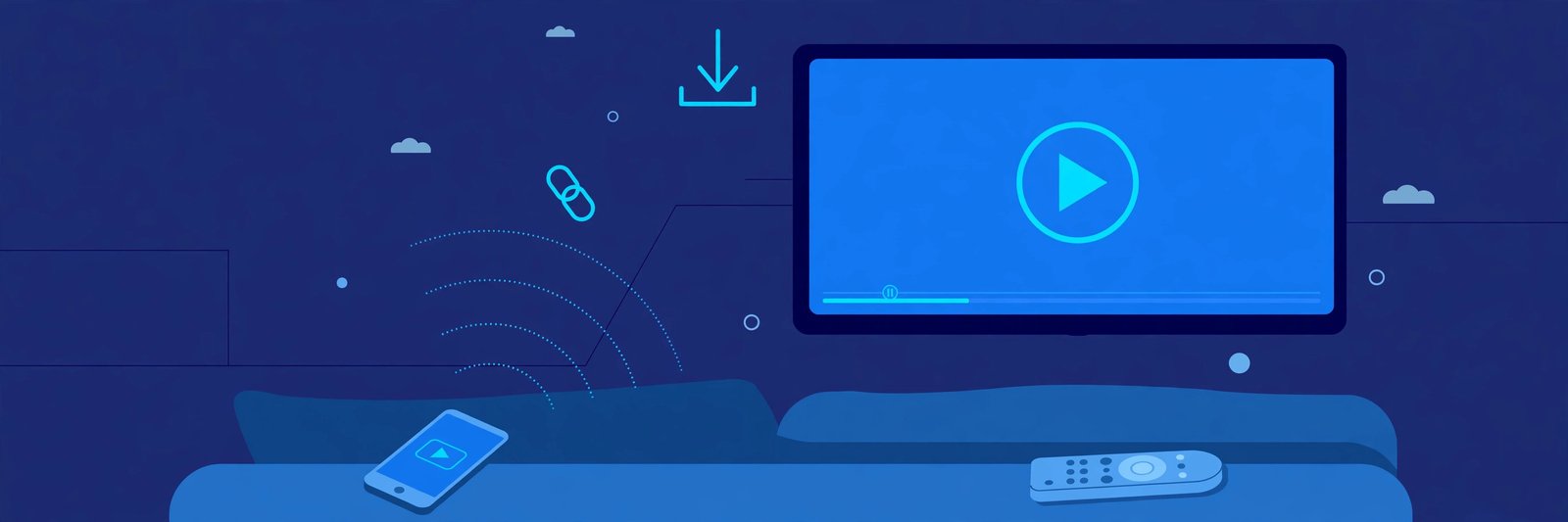
Watching a shared video on a phone is fine, but some videos deserve the big screen: a family wedding film, a long lecture, or a movie clip a friend sent you. If you have a smart TV, you do not need to install a TeraBox app on the television to enjoy it. You can play shared TeraBox videos on Android TV and other smart TVs through the browser, by casting from your phone, or by connecting a laptop — all without a complicated setup.
This guide explains the simplest ways to watch TeraBox videos on a smart TV, which method suits your television, and how to fix the common problems that stop a video from playing smoothly on the big screen. The player at the top of this page is where playback starts, so keep that in mind as you follow the steps below.
Can You Play TeraBox Videos on a Smart TV?
Yes, with one important distinction: most smart TVs do not have an official TeraBox app, and you do not need one. A TeraBox share link is just a web link, so anything that can open a web page and stream video can play it. Android TV sets, Google TV devices, Fire TV sticks with a browser, and many Samsung and LG televisions all have a browser or a casting feature that does the job.
FilesZero is a free online TeraBox player and downloader that runs entirely in the browser, which makes it a natural fit for a television: you open the page, paste the shared link into the player, and the video streams. There is nothing to install on the TV itself, and you do not hand over your own files to watch a video somebody shared with you. If you would rather keep a copy first, the TeraBox downloader page explains how to save the video to another device and then play it on the TV.
Three Ways to Watch on the Big Screen
Pick the method that matches your television. All three work, but one of them will feel much easier depending on what your TV supports.
Method 1: The TV Browser (Best for Android TV and Google TV)
If your TV runs Android TV or Google TV, it almost certainly has a browser, or you can install one from the Play Store on the TV. This is the most direct method, because the TV itself does all the work and you control playback with the TV remote.
Method 2: Cast From Your Phone (Best for Chromecast and AirPlay TVs)
If typing on a TV feels painful — and it usually does — start the video on your phone and cast the browser tab or the screen to the television. The phone acts as the remote, which is far easier for pasting links and skipping scenes.
Method 3: Connect a Laptop With a Cable
An HDMI cable from a laptop to the TV is the most reliable fallback. It works on any television with an HDMI port, even an older smart TV whose browser is slow or out of date, because the TV simply shows the laptop screen.
How to Play a TeraBox Video on Android TV, Step by Step
Step 1: Open the Browser on Your TV
From the TV home screen, open your browser app. If you do not have one installed, open the Play Store on the TV and install a browser. A modern, updated browser handles video streaming far better than an old built-in one.
Step 2: Open FilesZero and Paste the Link
Navigate to FilesZero and find the "Play a TeraBox Video Now" player box near the top of the page. Paste the shared TeraBox link into it. The link may point to terabox.com or one of its mirror domains, such as 1024terabox.com, mirrobox.com, nephobox.com, freeterabox.com, 1024tera.com, momerybox.com, teraboxapp.com, tibox.com, or teraboxlink.com — all of these work in the player.
Step 3: Press Play and Go Full Screen
Once the video loads, press play and switch to full screen with the player controls. FilesZero supports playback in qualities up to 1080p, depending on the quality of the source file itself. A video uploaded in high quality will look sharp on a large television; a low-quality original will look soft no matter which screen you use.
Step 4: Control Playback With the Remote
Use the TV remote to pause, seek forward or back, and adjust the volume. For a long video, seeking with the remote is usually easier than finding an exact moment on a phone screen.
Casting From Your Phone to the TV
Casting is the better choice when pasting a long link with a TV remote feels like hard work. Start the video on your phone first using the TeraBox player in your mobile browser, then cast that screen or browser tab to the television. On Android, use the Cast option in quick settings or in Chrome; on an iPhone, use AirPlay if your TV supports it.
Keep the phone on the same Wi-Fi network as the TV, and keep it charged during a long video.
Getting the Best Picture Quality on a TV
A television shows every flaw in a video, so a few habits make a real difference. Use a stable connection: a wired Ethernet cable to the TV or a strong Wi-Fi signal beats a weak, distant router. Close other heavy downloads on your home network before starting a long video, because they compete for the same bandwidth. If playback stutters at the highest quality, drop down a step — a smooth stream at a slightly lower quality looks far better on a TV than a high-quality stream that freezes every few seconds.
Also check the source quality before blaming the TV: no player can add detail that was never in the original file.
When the Video Will Not Play on Your TV
Most TV playback problems have simple causes. If the page loads but the video does not start, first check that the full link was pasted correctly — a single missing character breaks it, and TV on-screen keyboards make typos easy. If the link itself is the problem, it may have expired or the owner may have removed the file; ask the sender to share a fresh link.
If the video plays on your phone but not on the TV, the TV browser is the likely culprit: update it, clear its cache, or try casting instead. If the video buffers constantly, the network is usually at fault — restart the router or switch the TV to a wired connection.
Frequently Asked Questions
Do I need to install a TeraBox app on my smart TV?
No. You can play shared TeraBox videos through the FilesZero player in the TV browser, by casting from your phone, or over an HDMI cable. No TeraBox app installation on the TV is needed.
Which smart TVs can play TeraBox videos?
Android TV and Google TV sets work best through their browser. Chromecast built-in and AirPlay televisions work well with casting, and any TV with an HDMI port works with a laptop connection. Very old smart TVs with outdated browsers may need the casting or cable method instead.
Can I watch in HD quality on a TV?
Yes, playback supports qualities up to 1080p, depending on the source file. A high-quality original will stream crisply on a big screen, while a low-quality original will look soft however you play it.
Which TeraBox links work on a smart TV?
Links from terabox.com and its mirror domains work, including 1024terabox.com, mirrobox.com, nephobox.com, freeterabox.com, 1024tera.com, momerybox.com, teraboxapp.com, tibox.com, and teraboxlink.com, along with the other terabox.* mirrors.
Is there a daily limit for watching on TV?
Guests can play up to 5 videos per day, and a free FilesZero account raises that limit. The limit applies to the player, not to the television, so it is the same whether you watch on a phone, a laptop, or a smart TV.
Enjoy the Big Screen
The easiest route for most people is the TV browser on Android TV: open FilesZero, paste the link into the player at the top of the page, and press play. If typing on the TV annoys you, cast from your phone instead; if the TV browser is old or slow, an HDMI cable never lets you down. Whichever method you choose, the video, the quality, and the free limits stay the same — only the screen gets bigger. For more ways to play and save shared videos, explore the TeraBox player page and the TeraBox downloader guide.