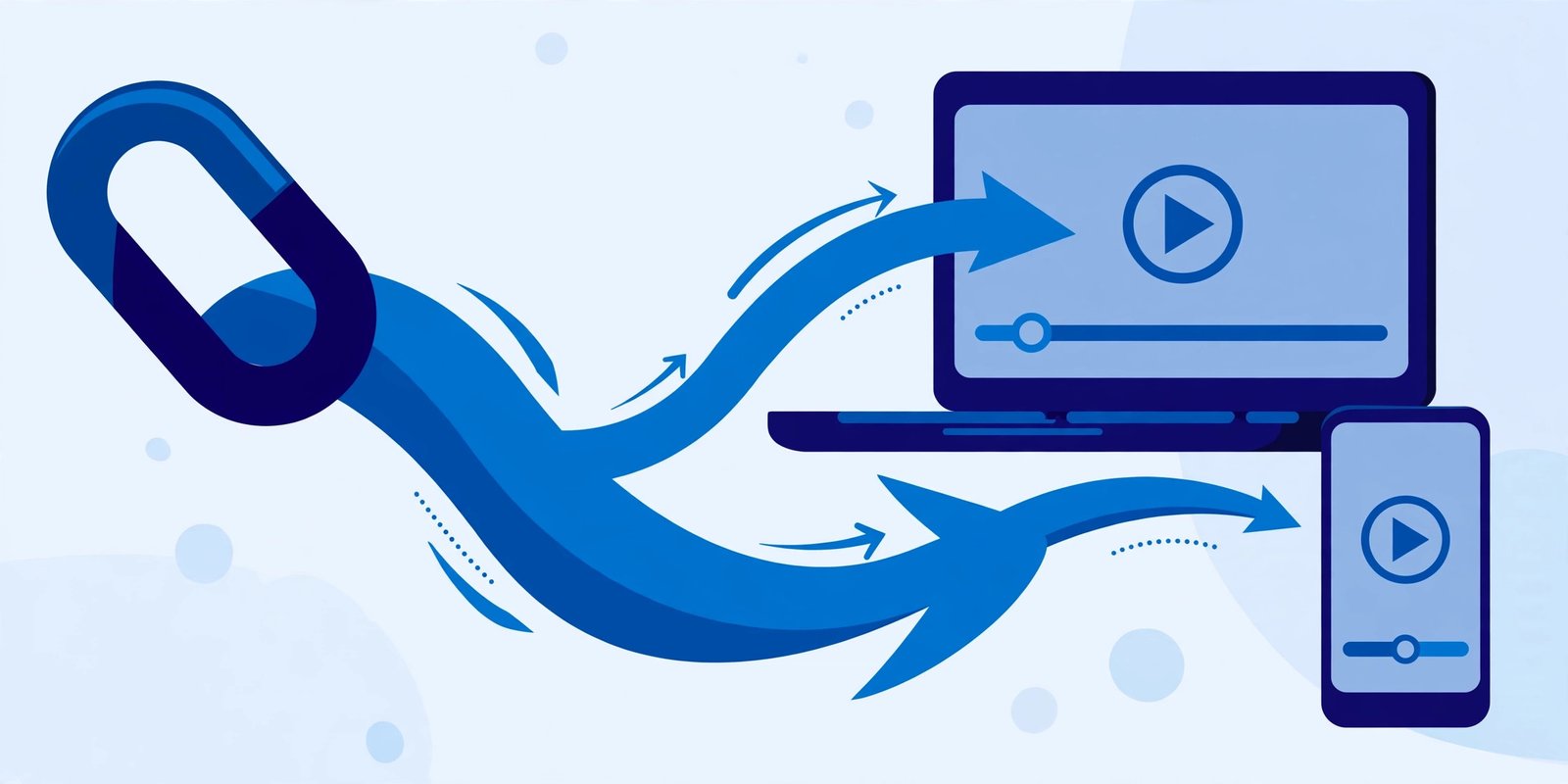
Someone sends you a TeraBox link, and you just want the video. Not a new app, not a sign-up form, not a long tutorial — just paste the link and get your video. That is exactly what a TeraBox link downloader is for. You copy the shared link, paste it into an online tool, and the tool reads the link and gives you the video to play or download in your browser.
FilesZero is a free online TeraBox player and downloader that works this way. The player sits at the top of the page, ready for you to paste a link and press play, and the downloader works the same way when you would rather save the file. There is nothing to install.
What Is a TeraBox Link Downloader?
A TeraBox link downloader is an online tool that takes a TeraBox share link and turns it into a playable or downloadable video. TeraBox is a cloud storage service, so when someone uploads a video, they share it as a link rather than sending the whole file. The downloader reads that link, finds the file it points to, and presents it in a clean player with a download option.
This is different from downloading the TeraBox app, a full cloud storage program with its own account and settings. A link downloader is made for one job only: handling a single shared link quickly. If a friend shares one video in a chat group, pasting the link into a browser tool is much faster than installing an app just to watch it once.
How to Use a TeraBox Link Downloader: Paste a Link, Get Your Video
Step 1: Copy the Full Share Link
Copy the complete link exactly as it was shared. A TeraBox link has two parts that both matter: the domain name, such as terabox.com, and the code after it that identifies the exact file. If either part is cut off, the tool cannot find the video.
Step 2: Open the FilesZero Player or Downloader
Next, open the FilesZero TeraBox player to watch the video, or the FilesZero TeraBox downloader to save it. Both run in your browser on desktop and mobile, and the player sits at the top of the page.
Step 3: Paste the Link and Submit It
Paste your copied link into the box and submit it. FilesZero will read the link and prepare the video, usually in a few moments. Once it appears, press play and watch it directly in your browser, switching to full screen for a larger view.
Step 4: Play It or Download It
Watch the video online if you only need it once, or use the download option to save it for offline viewing later. Supported qualities go up to 1080p, depending on the source file itself: a high-quality upload plays in high quality, while a low-resolution upload cannot be improved beyond its original.
Which TeraBox Links Work With the Downloader?
A good link downloader should handle the many mirror domains TeraBox uses for share links. TeraBox operates in many countries, so the same kind of file can arrive through different addresses. FilesZero supports links from terabox.com, 1024terabox.com, mirrobox.com, nephobox.com, freeterabox.com, 1024tera.com, momerybox.com, teraboxapp.com, tibox.com, teraboxlink.com, and the other terabox.* mirrors.
A link that looks unfamiliar is often still a regular TeraBox link. If the domain is one of these mirrors, paste it in just as you would a terabox.com link — no different tool and no conversion needed.
Do You Need an Account to Use a TeraBox Link Downloader?
No account is needed to start on FilesZero. Guests can play up to 5 videos per day, which is plenty for an occasional shared video, and a free account raises the limit if you watch links often.
What to Do If a TeraBox Link Does Not Work
Most links work on the first attempt. If yours does not, check these common causes:
- The link was copied incompletely: Paste it again, checking that no characters were cut off at the start or end.
- The file was removed or made private: If the uploader deleted the file or changed its sharing settings, no player or downloader can open it. Ask the sender to share a fresh link.
- A weak connection: A slow or unstable connection can stop a video from loading. Refresh the page, move closer to your router, or switch from mobile data to Wi-Fi.
- A browser issue: Refresh the page, clear the browser cache for the site, or try a different browser.
- You reached the daily guest limit: Guests can play up to 5 videos per day, and a free account raises that limit.
A Note on Safety and Fair Use
Only open links from people or groups you trust, and be cautious with unexpected links from strangers. Playing a video in a browser player does not ask you to install unknown software, which removes one common risk. Also, respect the owner's rights: do not re-upload a privately shared video without permission.
Frequently Asked Questions
What is a TeraBox link downloader?
It is an online tool that reads a TeraBox share link and gives you the video to play or download in your browser — no app installation and no cloud storage account needed just to watch one shared video.
Can I use a TeraBox link downloader without the app?
Yes. Paste the link into an online player or downloader such as the one at the top of this page, and the video will stream or download in your browser. The TeraBox app is only needed if you want to manage your own cloud storage.
Which link formats are supported?
Links from terabox.com and its mirrors are supported, including 1024terabox.com, mirrobox.com, nephobox.com, freeterabox.com, 1024tera.com, momerybox.com, teraboxapp.com, tibox.com, teraboxlink.com, and other terabox.* mirrors.
Do I need an account, and is there a limit?
No account is needed to start. Guests can play up to 5 videos per day on FilesZero, and a free account raises the limit. For an occasional shared video, guest playback is usually enough.
What quality will the video be?
Supported qualities go up to 1080p, depending on the source file. If the original upload was recorded in high quality, you can watch and download it in high quality. If it was uploaded in a lower resolution, the player cannot improve it beyond the original.
Final Thoughts
A TeraBox link downloader turns a shared link into a video in seconds: copy the link, paste it into the player at the top of the page, and press play — or save it with the downloader if you want it offline. No app and no installation stand between you and the video someone shared with you.